
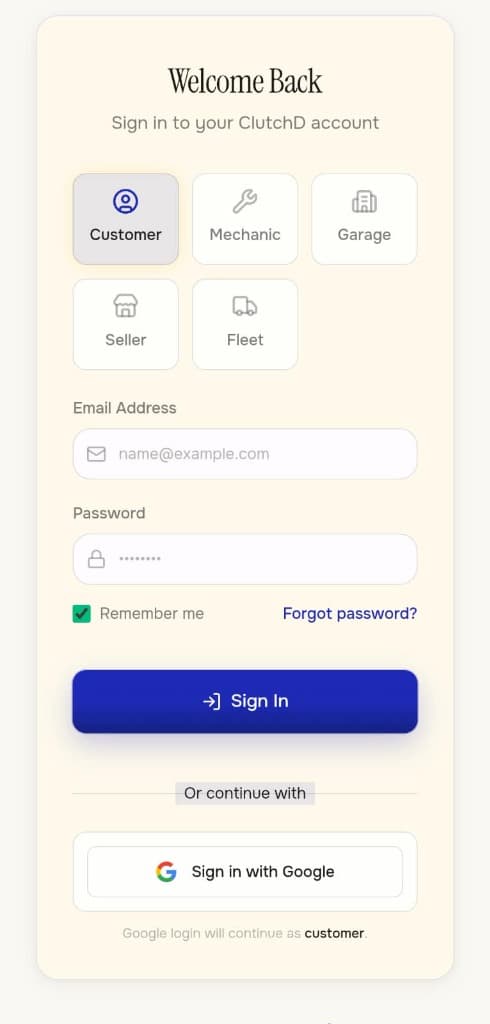
01 — Sign in
01 — AUTH_SYS
Secure Authentication
Role-based access (Customer / Mechanic / Garage) with encrypted multi-tenant login.
LIVE OPS · INDEXED_DECK // FRAME 06
Drivers, mechanics, garages, fleets, parts, payments and service history on one system — so the vehicle's story never starts over.
Experience
SYS_REF: ARCH_GALLERY_V6
Authentication, dashboard, marketplace, history, settings, and vehicles: six screens that carry one job from SOS to service record. Install the PWA or the Android APK (com.clutchd.app) and walk the whole flow yourself.
01 — AUTH_SYS
Role-based access (Customer / Mechanic / Garage) with encrypted multi-tenant login.
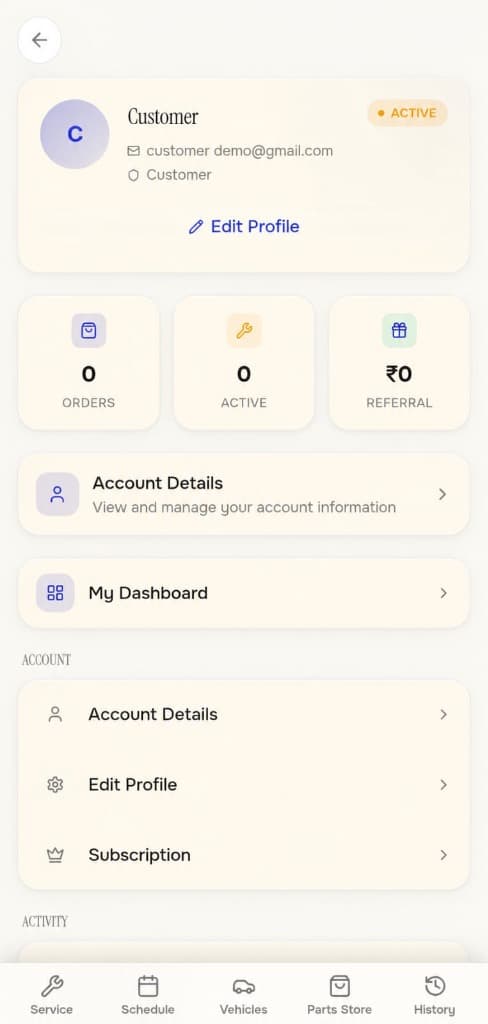
02 — PROFILE
Central hub for your active orders, referrals, account details, and active subscriptions.
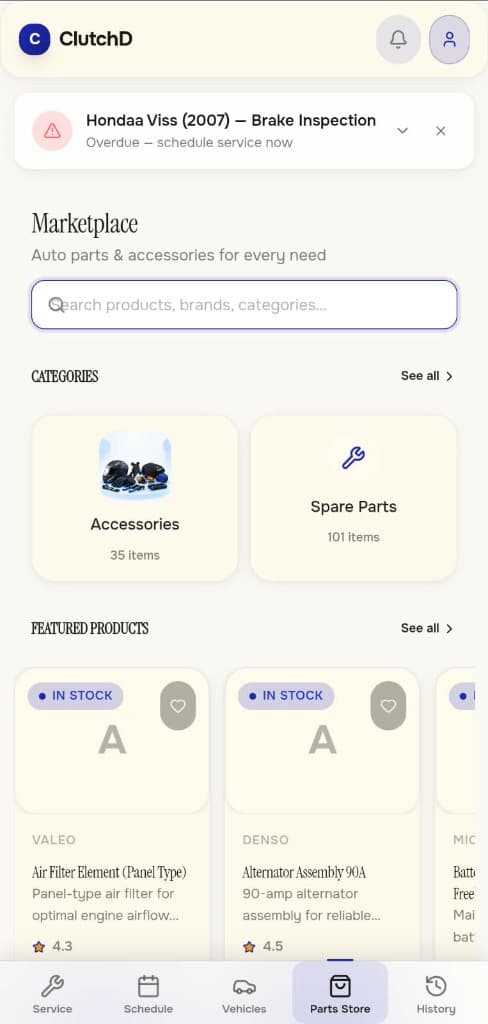
03 — MARKETPLACE
Pick your make, model, and year — only see parts that actually fit, compare prices across verified suppliers, and order.
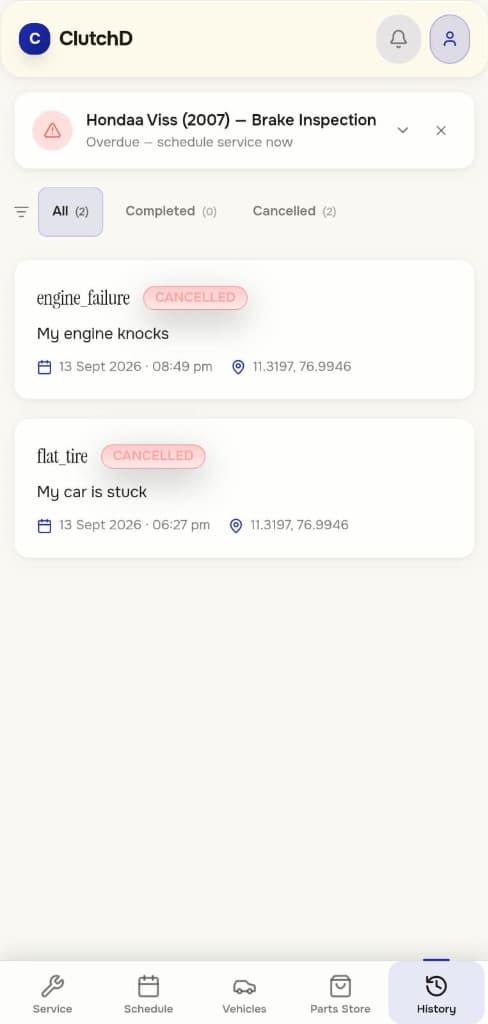
04 — HISTORY
Full immutable log of all past service requests, active tracking, and cancelled dispatch histories.
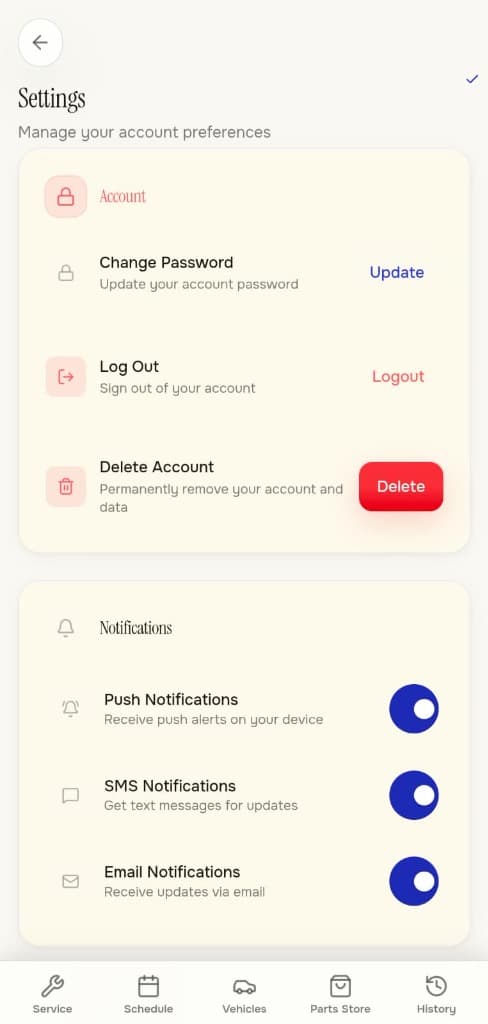
05 — SETTINGS
Granular control over push alerts, SMS notifications, and complete account data management.
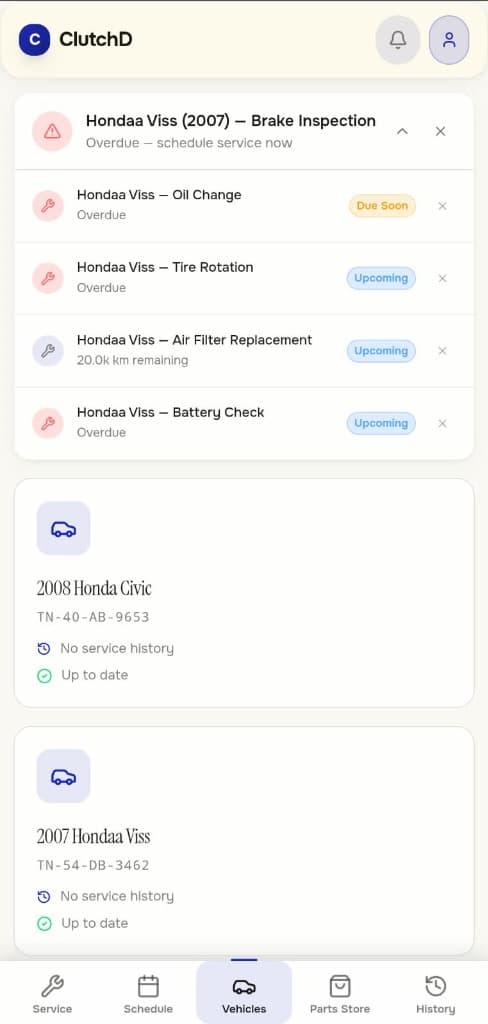
06 — VEHICLES
Manage your registered vehicles, track maintenance schedules, and monitor upcoming service dates.